Split a shared bill
Share one utility bill between the tenants of a house and charge each their part.
When rooms in a house share one hydro or internet bill, enter the bill once. We'll work out each person's share and put it on their ledger.
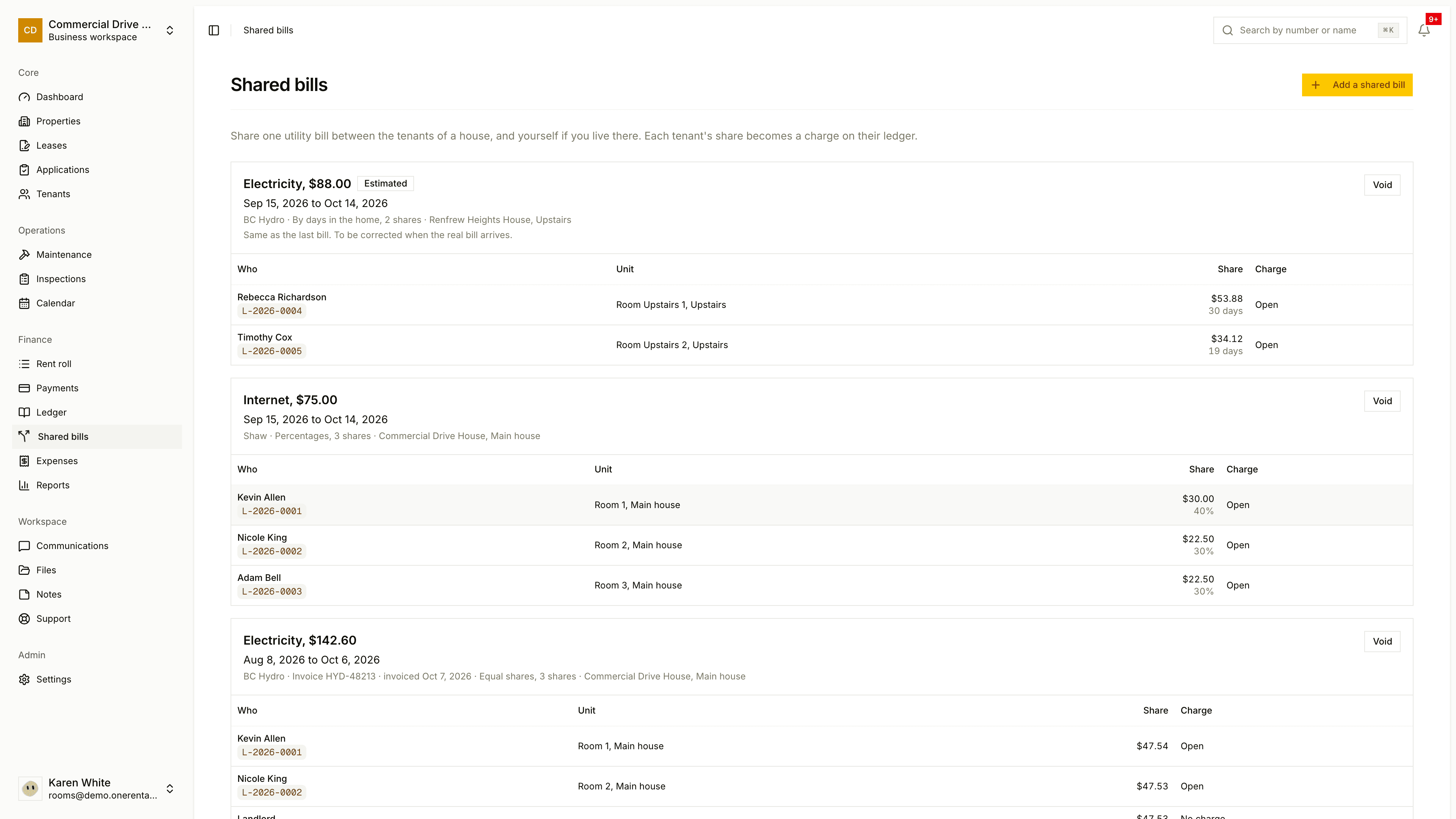
Go to Shared bills and click Add a shared bill.
Choose the Property and the House or suite (or Whole property).
Pick the Utility (electricity, gas, water, internet, garbage or other). Add the Provider, Invoice number and Invoice date, then the Period from, Period to and Bill amount.
Choose how to Split it: Equal shares, Percentages, By days in the home or Amounts typed in. Tick who shares the bill. You'll see the shares under Each share before you save.
Click Add bill. Nobody's charged until you do.
If you live in the home yourself, your row is Landlord (your own share, no charge).
As tenants pay, each share shows as Open, Part paid or Settled.
Estimates
If the bill hasn't arrived yet, tick This is an estimate and explain how you worked it out. The charges are marked Estimated.
Recording it as an expense
Tick Also record this bill as an expense to add a utilities expense for the full amount. Estimates aren't recorded as expenses.
Fixing a mistake
Click Void on the bill and give a reason. The charges are reversed and stay on each ledger, marked as reversed. If a payment's already been applied to one of them, change that payment first.