Integrations
See which outside services you can connect, and what you do by hand until then.
Lots of landlords would love their bank, utility bills and calendar to talk to their rental records. The Integrations page shows where that's at.
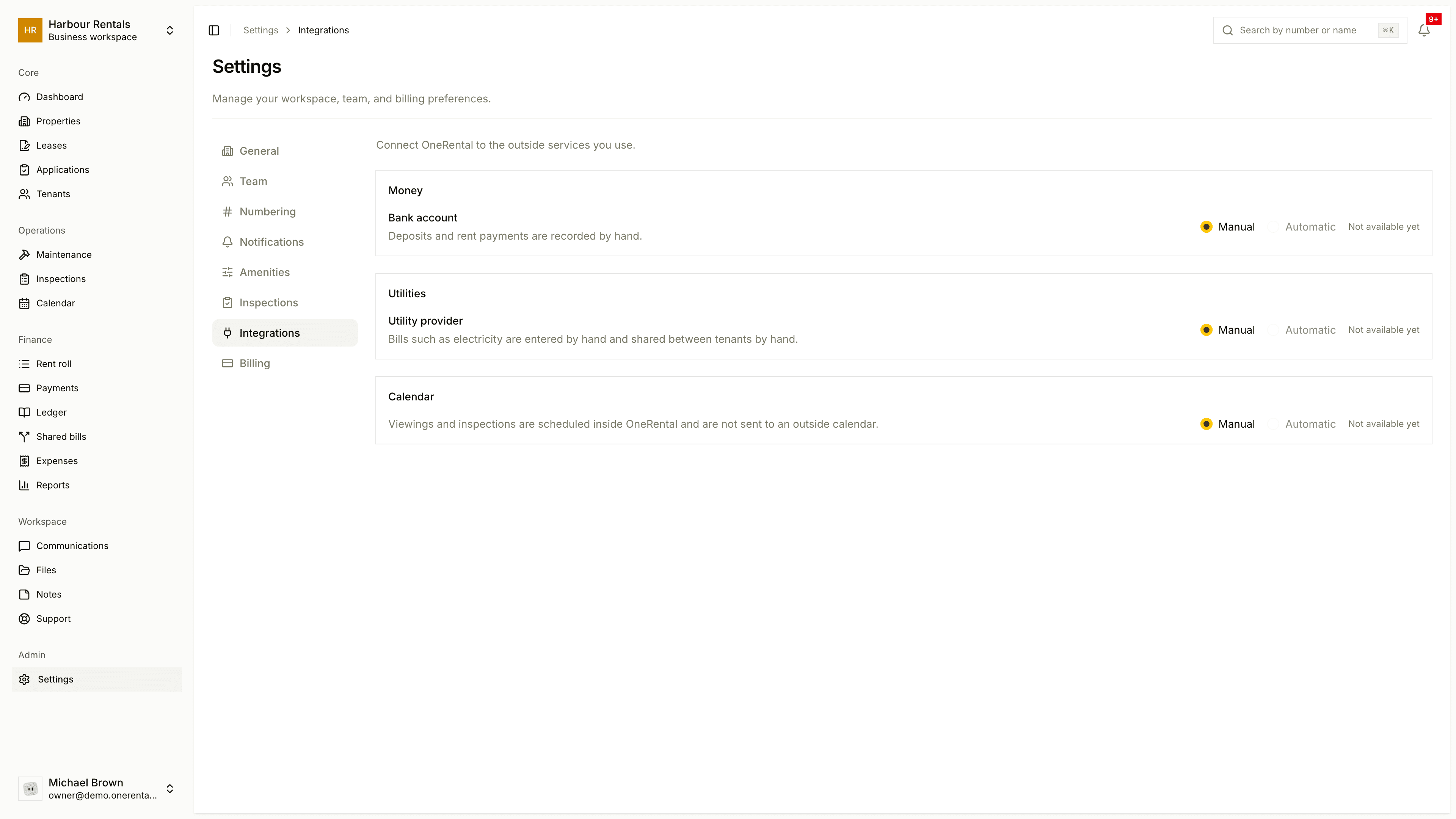
Open Settings, then Integrations (owners only). Services are grouped under Money, Utilities and Calendar.
These options aren't live yet. You don't need to change anything here for now.
Each service has a Manual badge and a switch between Manual and Automatic. Automatic is greyed out and marked "Not available yet", so for now everything's done by hand:
- Bank account: you record deposits and rent payments yourself. See Record a payment.
- Utility provider: you enter bills like electricity yourself and split them between tenants. See Split a shared bill.
- Calendar: viewings and inspections are scheduled inside OneRental and don't go to an outside calendar. See The calendar.