Your profile
Change your name, picture and sign-in email.
Your profile is how your team, your tenants and our support team see you. It lives in your own account area, separate from your workspace settings.
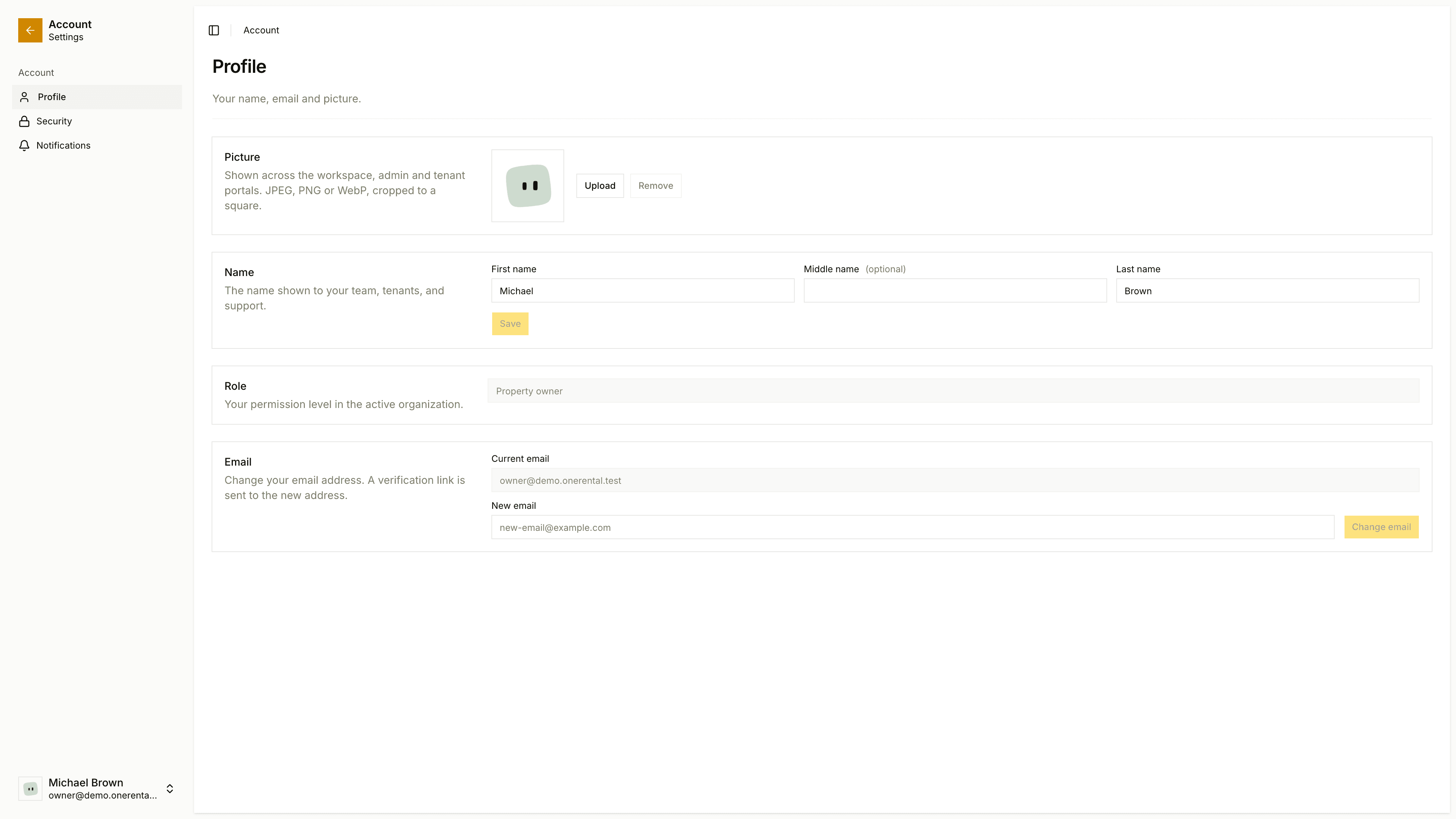
Open your account menu and choose your account. Profile is the first page, with Security and Notifications next to it.
Your picture
Under Picture, click Upload and choose a JPEG, PNG or WebP image. We crop it to a square. If you never upload one, you get a generated picture, and Remove takes you back to it.
Your picture shows in the workspace, the admin area and the tenant portal.
Your name
Under Name, edit your First name, Middle name (optional) and Last name, then save. This is the name your team, tenants and support see.
Your email
Under Email, type your New email. We send a verification link to the new address, and the change takes effect once you confirm it.
Your role
Role shows your permission level. You can't edit it here.
Looking for something else? Your password is on the Security page, and renter details like your home address are in your rental profile.