Your notification emails
Choose which emails you personally get, separate from what the workspace sends.
This page is about the emails that come to you, not what your workspace sends to tenants.
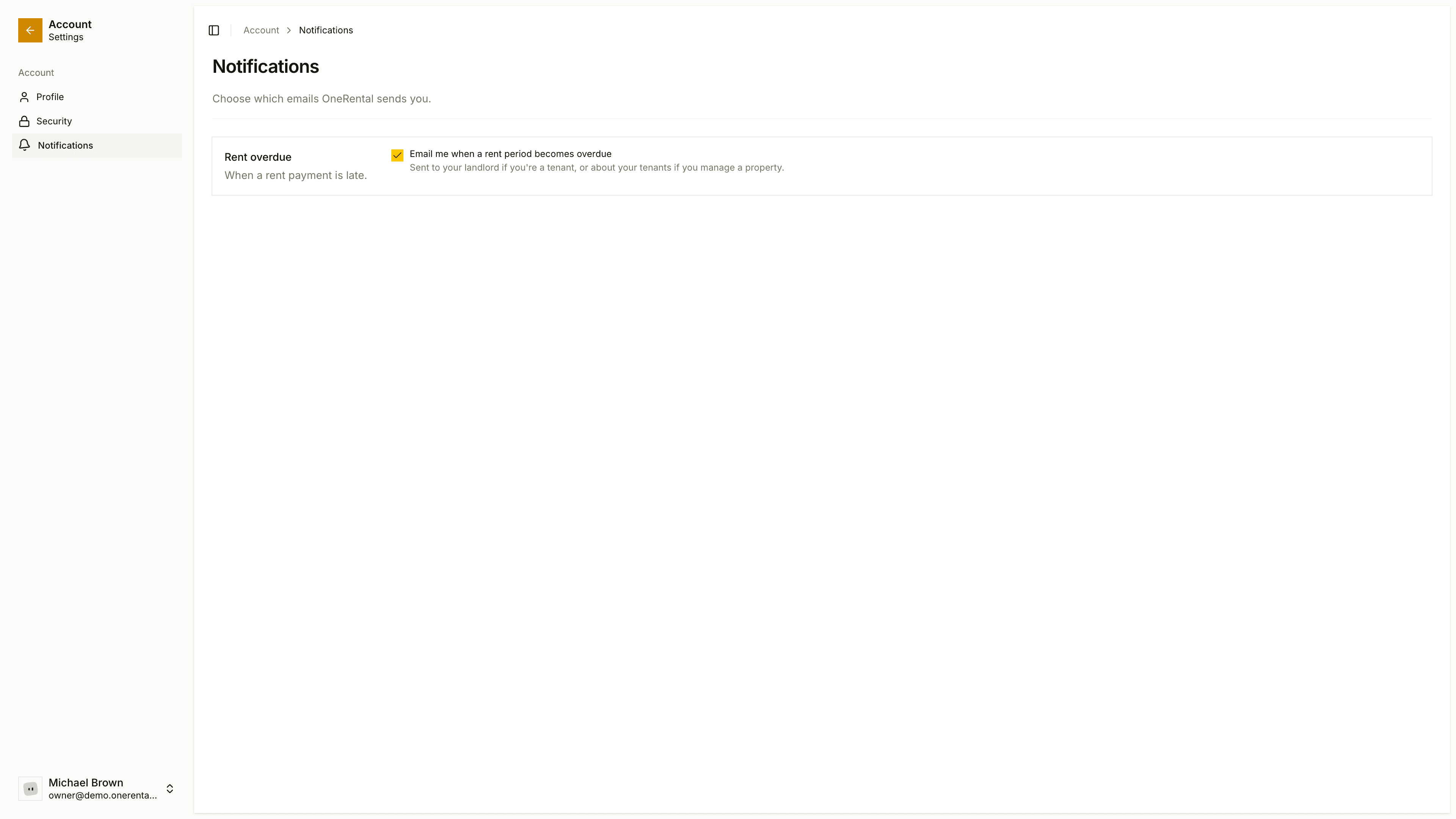
Open your account area and go to Notifications.
Under Rent overdue, tick or untick Email me when a rent period becomes overdue.
It saves as soon as you click. If you're a tenant, the email's about your own rent. If you manage a property, it's about your tenants.
Your choice can only narrow what the workspace allows. If the owner has switched a notice off in notification settings, ticking it here won't bring it back.
Sign-in, security and password emails always arrive. You can't turn those off.