Your rental profile
Save your details once and share them with a landlord when you choose.
Your rental profile keeps your details in one private place, so you're not typing them into every application. It can also be used to fill in future applications.
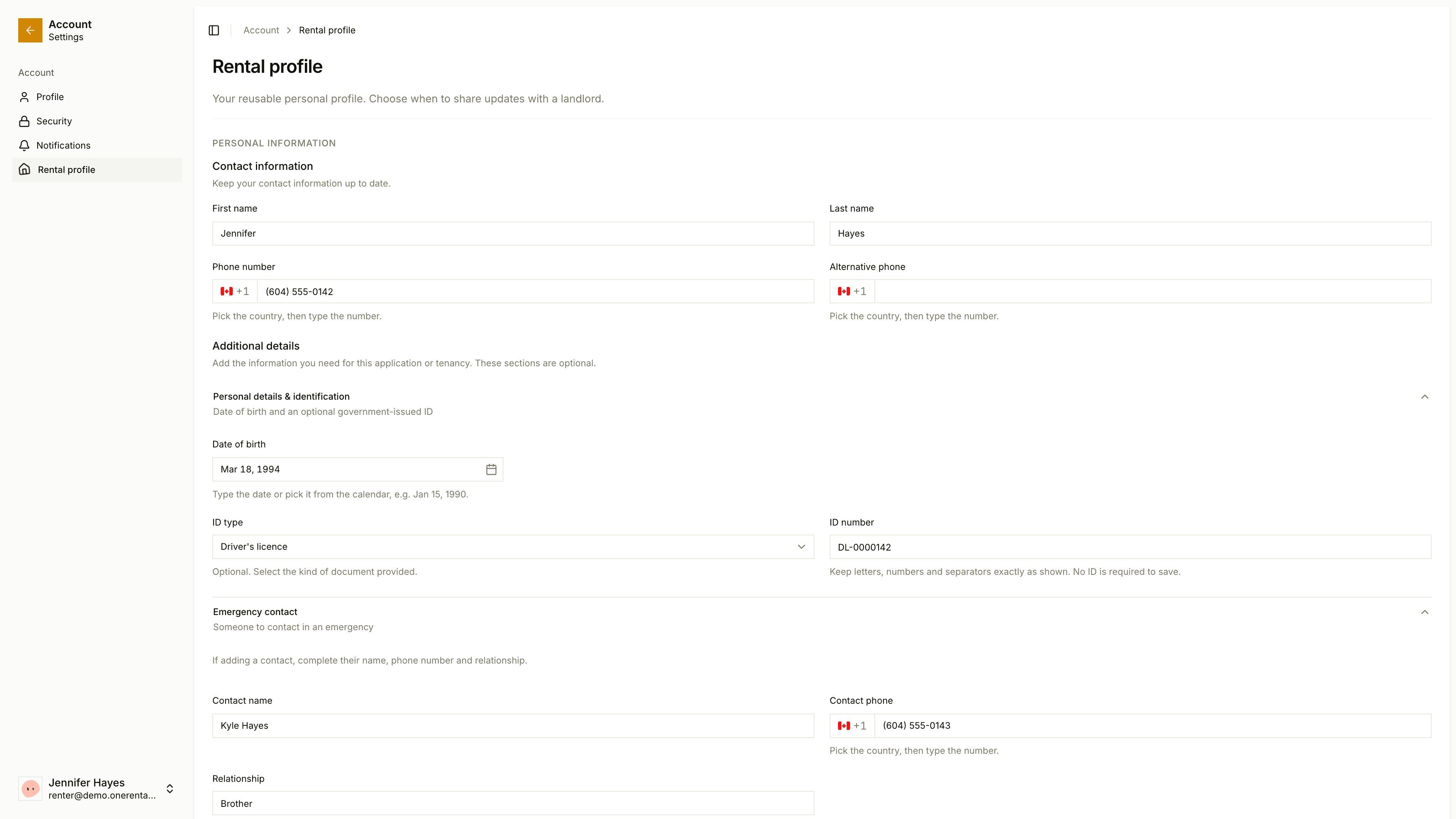
Fill it in
Sign in and open Rental profile in your account area. You'll need to verify your email first.
Under Personal information, add your name, contact details, home address, emergency contact, employment and references.
Save.
Share it
Your profile is private. Nothing's shared until you click the button.
Once a landlord has accepted you as a tenant, their card shows up under the form, saying Not shared yet or the date you last shared. Tick the consent line and click Share my current profile. After you change your details, the button says Share update instead.
The landlord keeps the copy you shared that day. Applications you've already sent and documents you've already signed keep their original details.
To see or take a copy of your data, use Download my data on a landlord's card.
Already renting through OneRental? See Your profile.