Create a renter account
Make a free account to keep your applications and details together.
You can browse and apply as a guest, but an account makes life easier: your applications, your rental profile and, later, your tenant portal all sit under one sign-in.
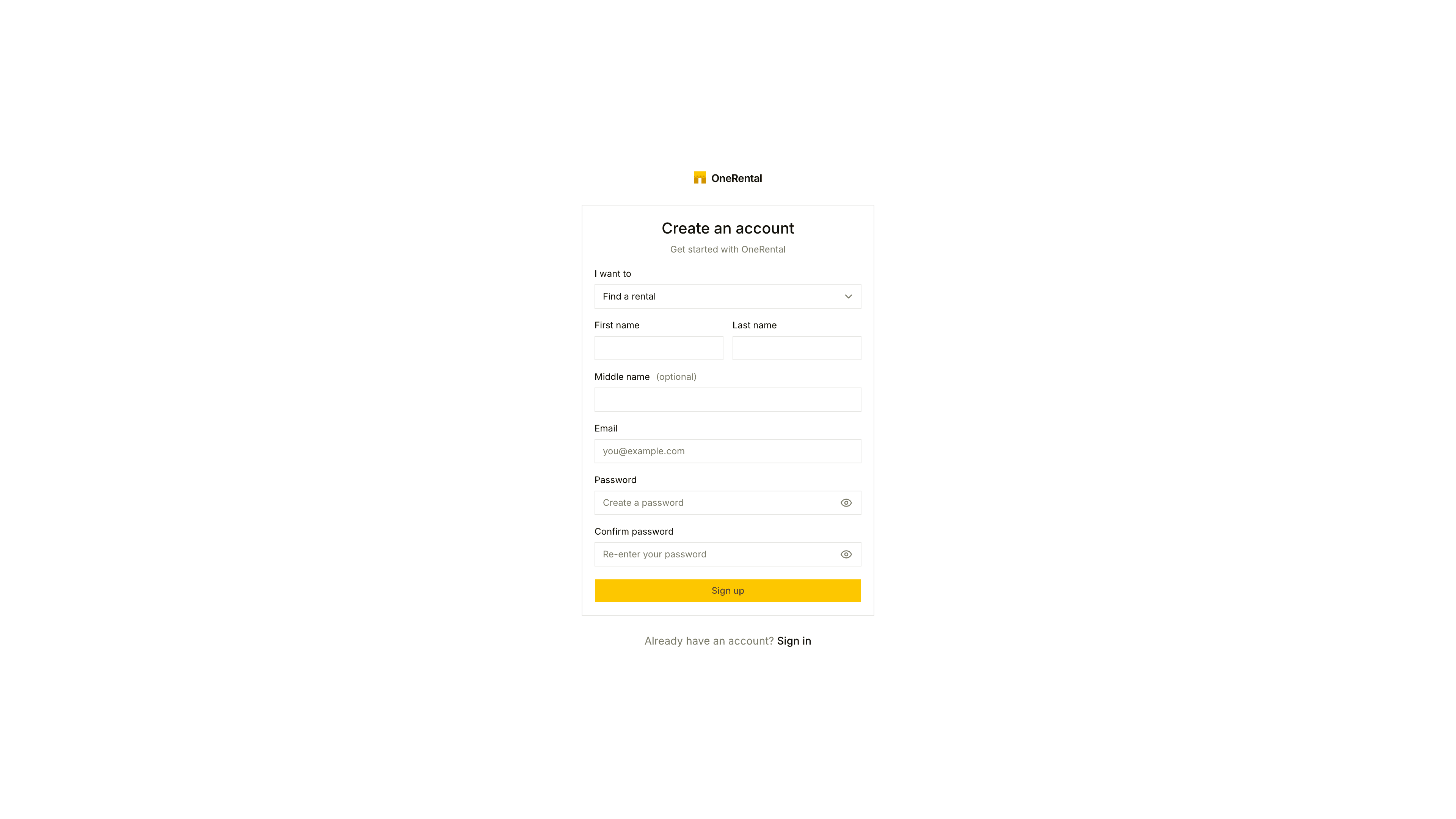
Click Get started in the top bar, or go to the sign-up page.
Next to I want to, choose Find a rental.
Enter your First name, Last name, middle name if you have one, Email and a Password, then confirm the password. Or use the Google, Apple or Microsoft button if you see one.
Click Sign Up, then open the verification email and confirm your address.
Use the email you'd like landlords to reach you on. If you already have an account, click Sign in instead.
Applied as a guest before? Those applications aren't lost. They carry on through the secure links we emailed you, whether or not you sign up.
What's next
- Fill in your rental profile.
- Keep an eye on every application in Your applications.
- When a landlord invites you, become their tenant with the same account.