Reading a listing
What each part of a listing tells you, including shared spaces and devices.
A listing is more than photos and a price. A careful read now saves surprises after you move in.
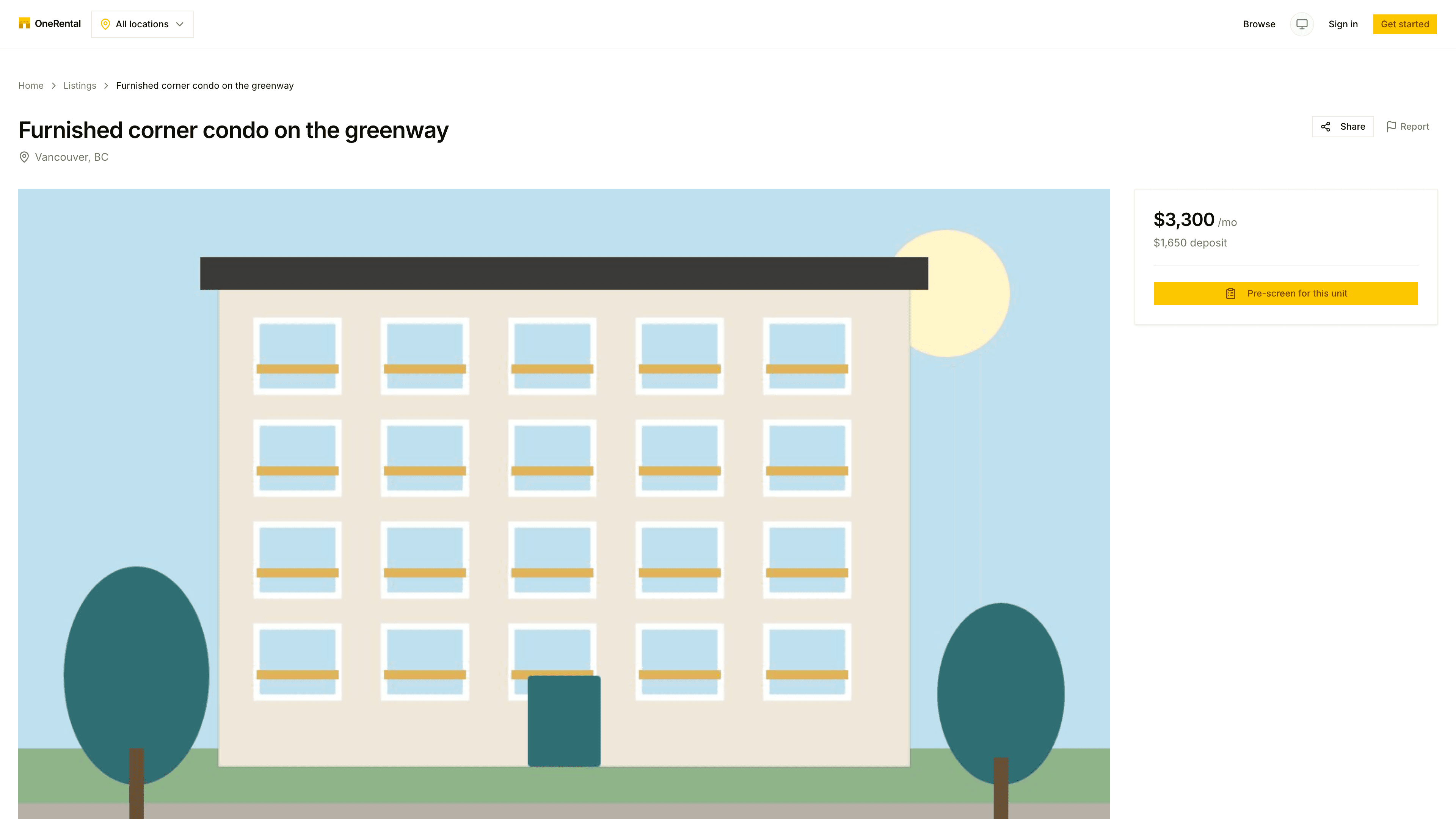
Everything on the page comes from the landlord. If something matters to you, ask them before you apply.
The top of the page
You'll see the title, the city, a photo gallery, and a Share button for sending the link to a friend or housemate.
Rent and availability
The card on the right shows the monthly rent, the deposit and when it's available. If the place has already been rented, it says "This home is no longer available" instead.
What you get
What you get covers the facts that matter: bedrooms, bathrooms, size, whether it's furnished and what kind of entrance it has. Amenities lists what's included, like laundry or parking.
Renting a room
For a room, the listing also shows:
- Private to this room: things only you use, like an ensuite bathroom or a private kitchen.
- Shared with other rooms: the spaces you'd share, and how many other rooms use each one. You'll see numbers, never who lives there.
Devices in this rental
Devices in this rental lists safety devices like smoke alarms, and any monitoring devices like cameras, as the landlord reports them. For each one you can see where it is, what it collects, why, and who can see it. If a card has a Devices tag, it's worth reading this part.
Location
The Location card shows the rough area. You'll get the exact address when you apply.
Ready to go for it? See Apply for a place.