Your profile
Keep your contact details up to date and choose when your landlord gets them.
Keep your details in one place and you won't have to type them out for every landlord. You decide when an update gets shared.
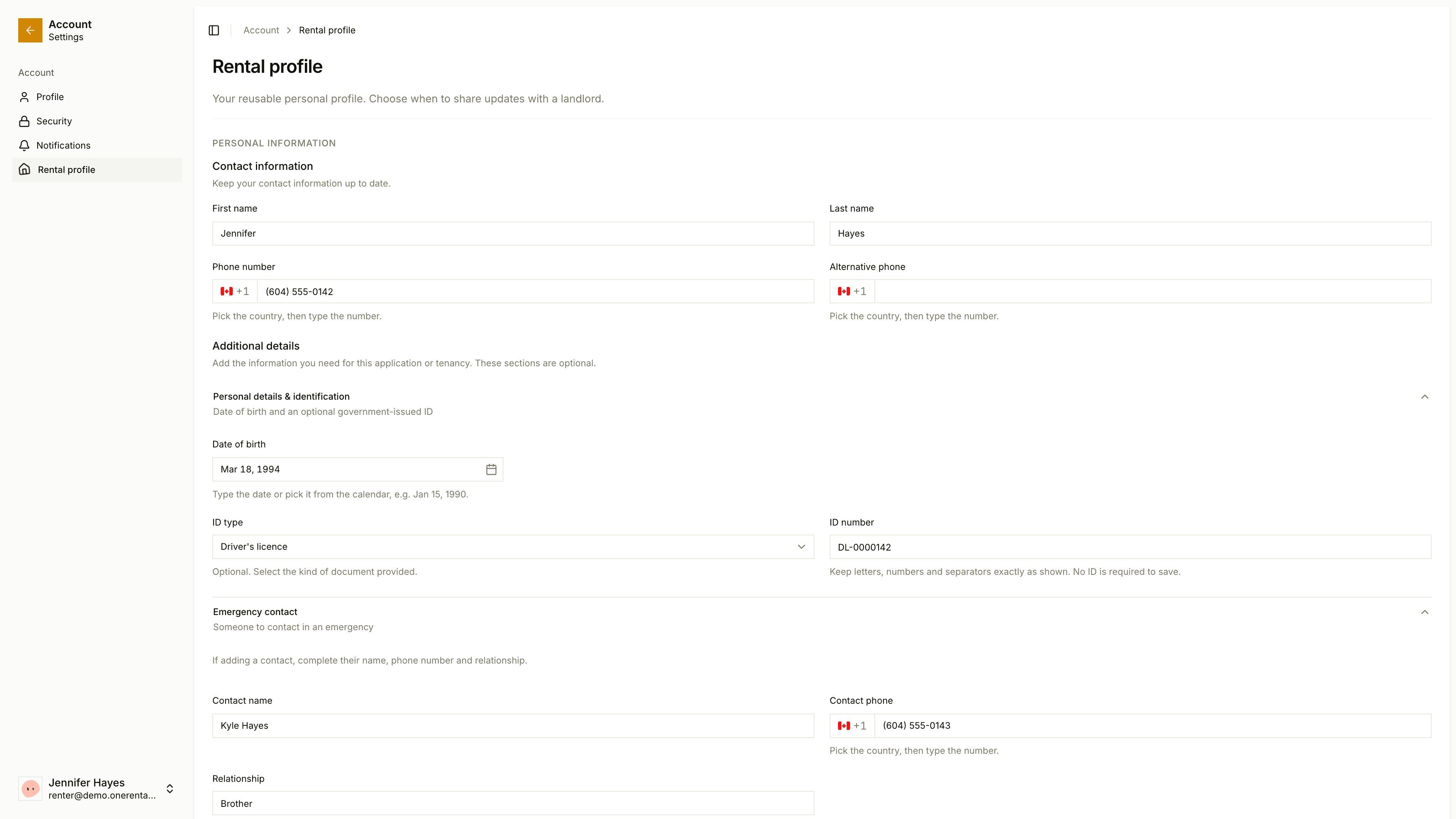
In the portal, open your profile and you'll land on Rental profile in your account area. You'll need a verified email to use it.
Edit your details
Under Personal information you can keep your name, email, phone number, alternative phone, date of birth, ID, emergency contact, employment and references, along with your home address. Save when you're done.
Your landlord can edit your details until you accept portal access, and again if your access is ever withdrawn.
Share with your landlord
Under the form, each landlord you're connected to has a card that says Not shared yet or the date you last shared.
Read the consent line on the landlord's card.
Tick it, then click Share my current profile (or Share update if you've changed something).
Your landlord keeps the copy you shared at that moment. Earlier applications and signed documents keep the details they had.
You can also download your data from the landlord's card with Download my data.
Your picture and password are in your account profile.