Review and sign an inspection report
Check the condition report for your home, say if you disagree and sign it.
An inspection report records the condition of your home, usually when you move in or out. It's what you and your landlord will both look back on later, so it's worth reading carefully.
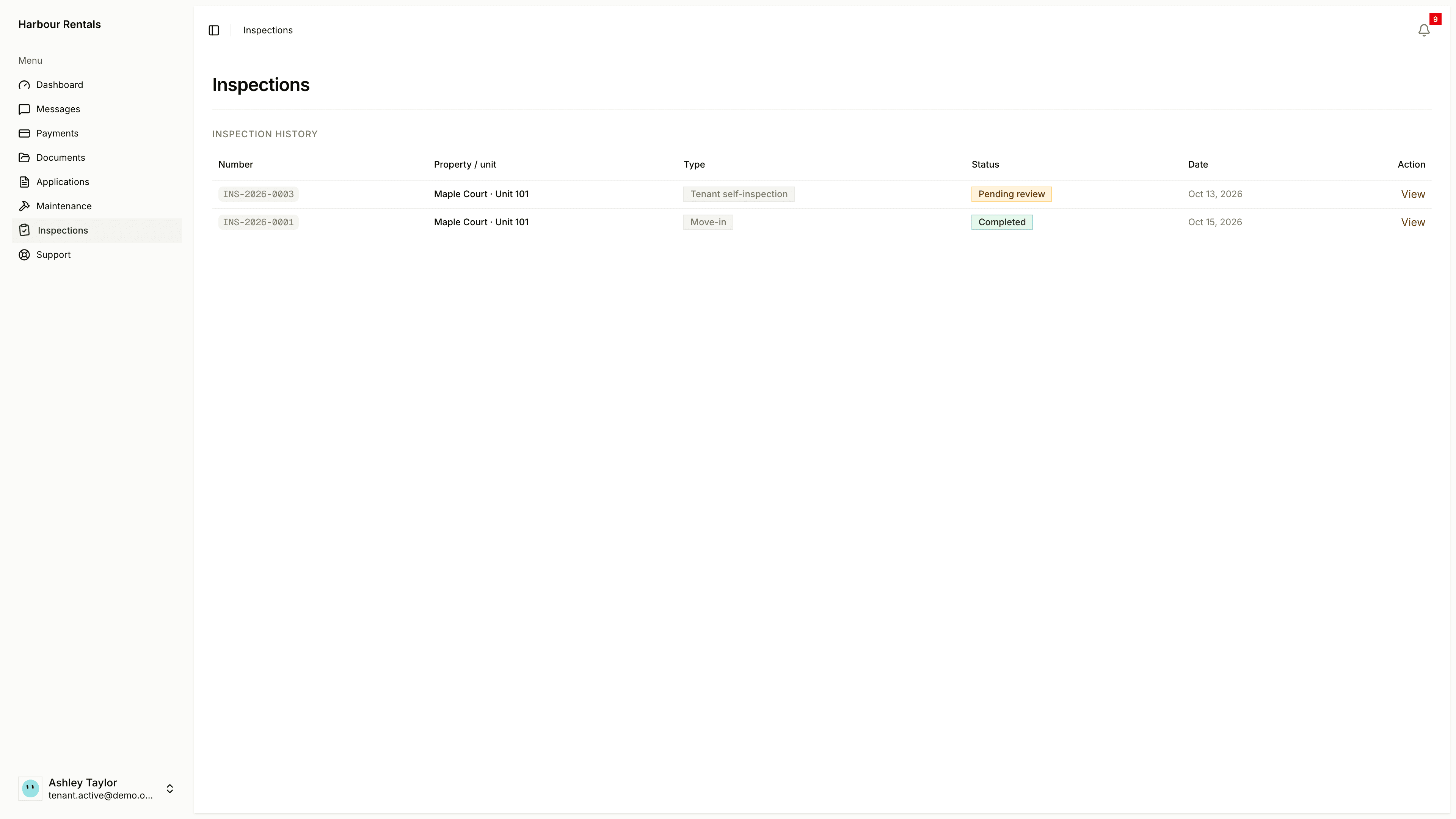
Find your reports
Open Inspections. Inspection History lists each report with its number, property and unit, type, status and date. Click View to read one, or Review and sign when one's waiting for you.
Review and sign
Open the report and go through each room. Look for anything that doesn't match what you see at home.
Choose I agree with the report or I disagree with the report. If you disagree, explain why and mark the items you disagree with.
Add a note or photos if they help.
Draw your signature, or type your full name and agree to sign electronically, then click Sign report.
If you disagree, be specific about what and why. Your comments stay with the report.
Some reports also list devices in your home, like cameras or alarms. Signing the report confirms you were told about them.
If you don't want to sign
You can decline. Choose I do not want to sign, add a reason if you like, and confirm with Decline to sign. Your landlord is told and completes the report with their own signature, and you'll still get a copy.
Final copies may be sent to your address for service. See Address for service.