Rent increases
Record a rent change and the notice you served.
When you raise the rent, record the new amount, the day it starts and how you gave notice. OneRental charges the new rent from the right month on.
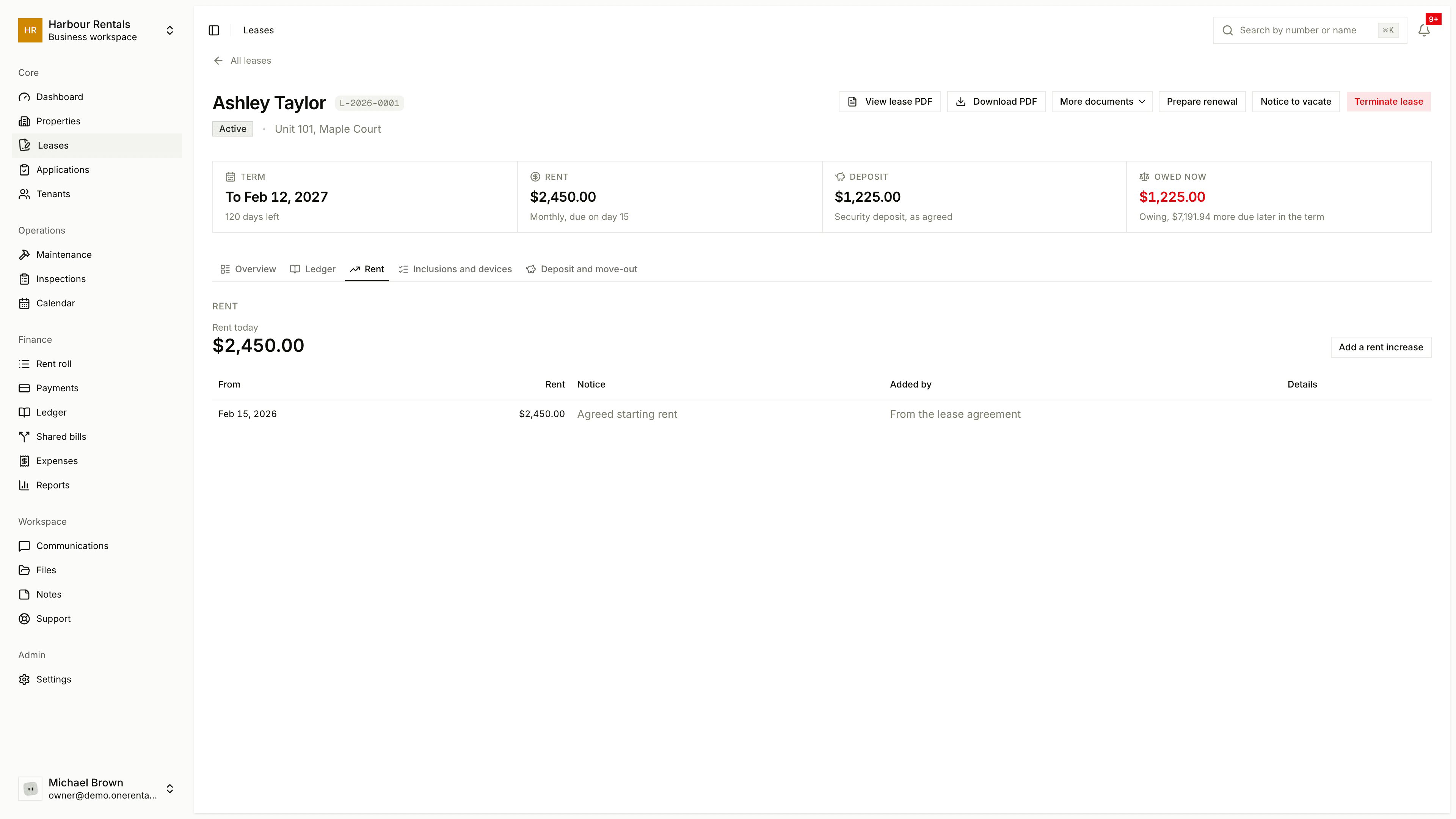
Every lease has a rent schedule on its Rent tab: the starting rent and each change since, with the day it began.
Add an increase
Open the lease, go to the Rent tab and click Add a rent increase.
Enter the new rent and the day it starts. If you like, record when and how you served the notice, and add a note.
Read any warnings. We flag things like a missing notice date, too little notice, a second increase too soon, an increase over the yearly limit, a day inside the fixed term, or a day that isn't a rent day.
Click Add the increase.
Rent months that start on or after that day are charged the new rent. Anything already paid stays where it was applied.
The warnings are there to help, but they won't stop you. You know your rental, so the call is yours.
Fill in the notice
For a lease in British Columbia, the Notice column on the Rent tab can fill in the official notice of rent increase (RTB-7) for you.
Click Fill the RTB-7. It is filled from the lease and the increase, and saved in your files.
Click Sign it and draw or type your signature. We add it to the form with today's date. Prefer paper? Print the form and sign it by hand instead.
Serve it. If the tenant has an email address for service, click Email it to the tenant and we send the signed notice and record it as served. Otherwise give or mail the signed notice yourself, then click Record how it was served and enter the day and how you did it.
Until you record how it was served, Fill it again makes a fresh copy from the lease. After that the notice is kept as it is.
Already filled in and signed your own? Click Upload my own and it becomes the notice for that increase.
We only email an address your tenant gave you for service, never their login email. You can record it when you add the tenant or on their page.
Fix a mistake
Open the change and choose Void this rent change, with a reason. It stays in the history and the affected months are priced again.
If you're renewing the lease, you can change the rent on the renewal draft instead. See Lease renewals.