Custom addendum
Write your own extra terms once and add them to any lease.
If you put the same house rules on every lease, like quiet hours or garbage days, write them once as an addendum and pick it whenever you need it.
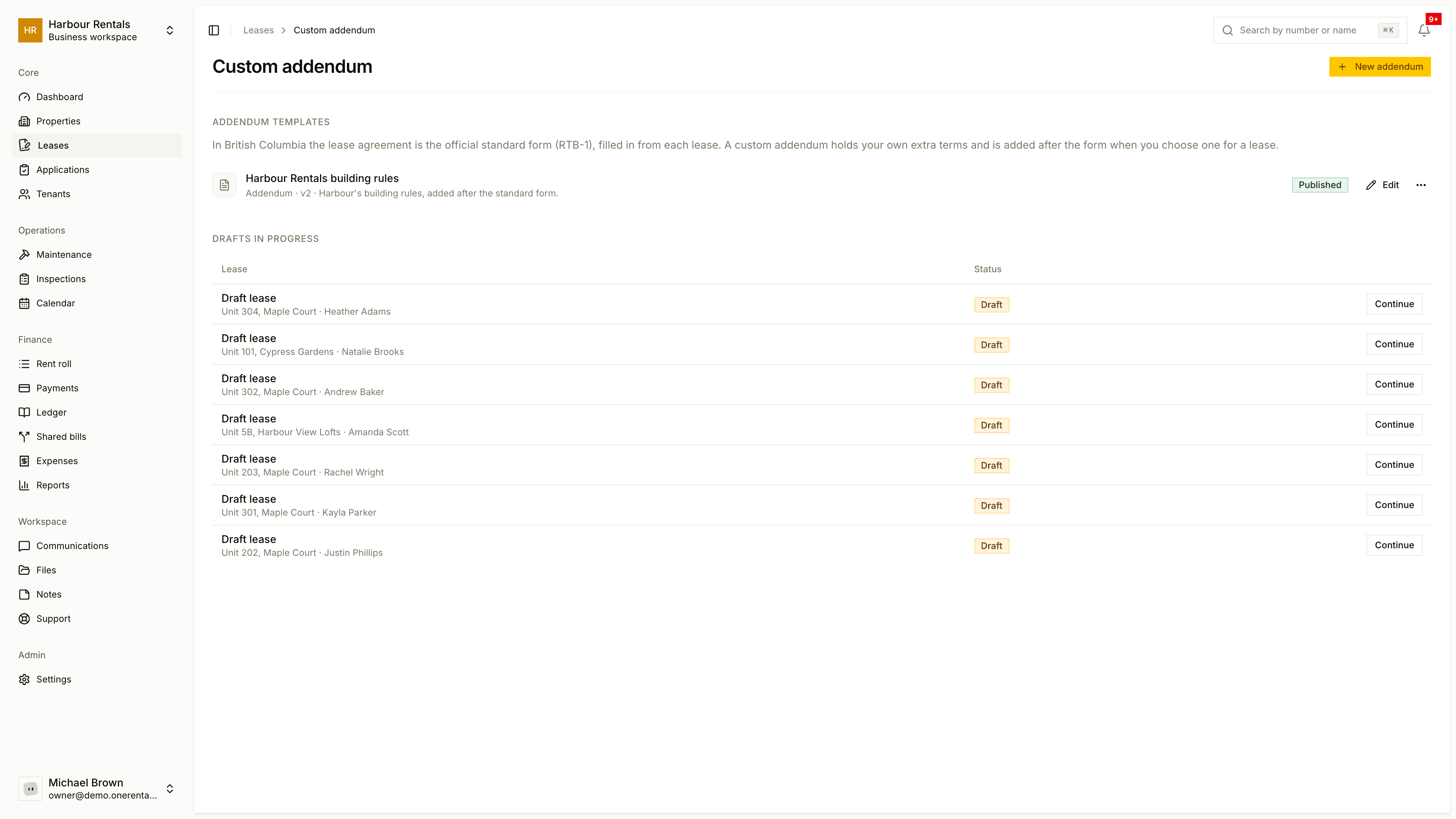
Write an addendum
Open Leases, click Custom Addendum, then New Addendum.
Pick the Document type, give it an Addendum name and, if you like, a short description. Click Create & open editor.
Type your terms. The toolbar has headings, bold, lists and tables. Your work saves as you go, and the top of the editor tells you whether it's Saving…, Saved or Unsaved.
Click Publish when it's ready. You can only pick published addendums on a lease.
Fill in details automatically
The Merge Fields menu in the editor drops in details that change from lease to lease. They're filled in when the lease is made.
| Group | Examples |
|---|---|
| Tenant | Name, email, phone |
| Property | Property address, unit number |
| Lease Terms | Start and end dates, monthly rent, security deposit, due day, late fee |
| Organization | Your workspace name |
| Inclusions and devices | What rent includes, furnishings, parking, devices |
| Date | Today's date |
Use it on a lease
In the lease wizard, at the Addendum step, choose it under Saved addendum (optional). Anything you type in Terms for this lease only prints after it.
Signature and date boxes are placed on each lease separately, before you send it for signing.
Try it first
Click Preview in the editor, or open the menu on an addendum in the list and choose Preview / Export. Pick a real lease or Sample data to see it filled in.
Before you rely on it
In BC, the lease is the standard form and your addendum goes after it. It never replaces the form. An addendum is your own wording, so make sure nothing in it conflicts with your province's rules.