Inspection templates
Build your own checklists so every inspection covers the same ground.
If you check the same things every time, save them as a template and pick it when you schedule.
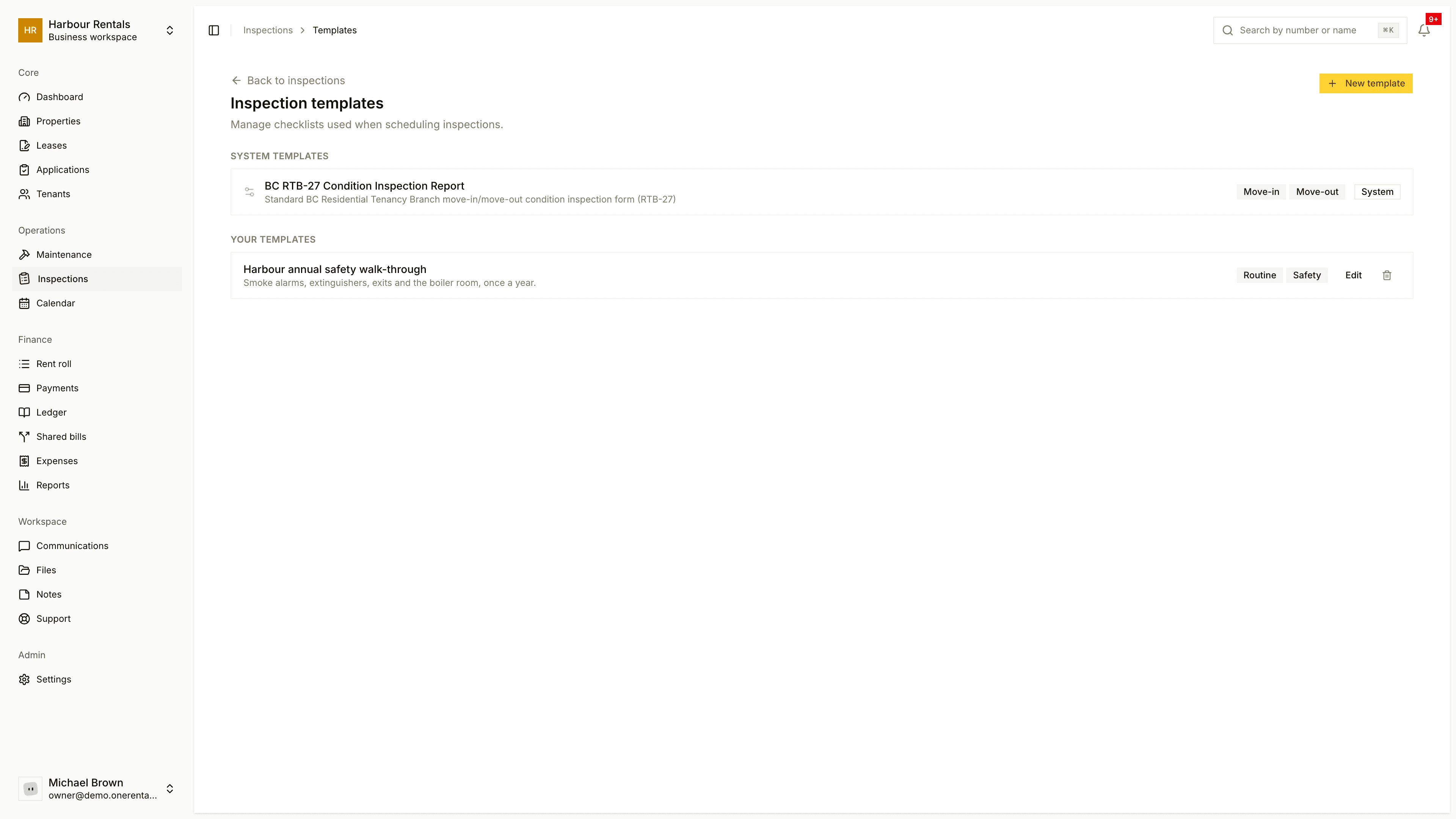
See your templates
On the Inspections page, click Templates. You'll see two lists:
- System Templates come with the app. You can't change these.
- Your Templates are the ones you've made, each with Edit and delete buttons.
Make a template
Click New Template.
Enter a Template name and, if you like, a short description.
Under Inspection types, tick where it should be offered: Move-in, Move-out, Routine, Maintenance or Safety.
Click Add Room for each room, then add the items to check in it. Name rooms and items however you like.
Click Create Template.
Use it
When you schedule an inspection, pick it under Checklist Template. See Schedule an inspection.
If you'd rather the rooms match the home exactly, tick Use a checklist built from this unit when you schedule instead.