Manage units
Add, edit and keep track of the units you rent out.
A unit is the home, suite or room you put a tenant in. Keep each one up to date and your listings, leases and reports stay accurate.
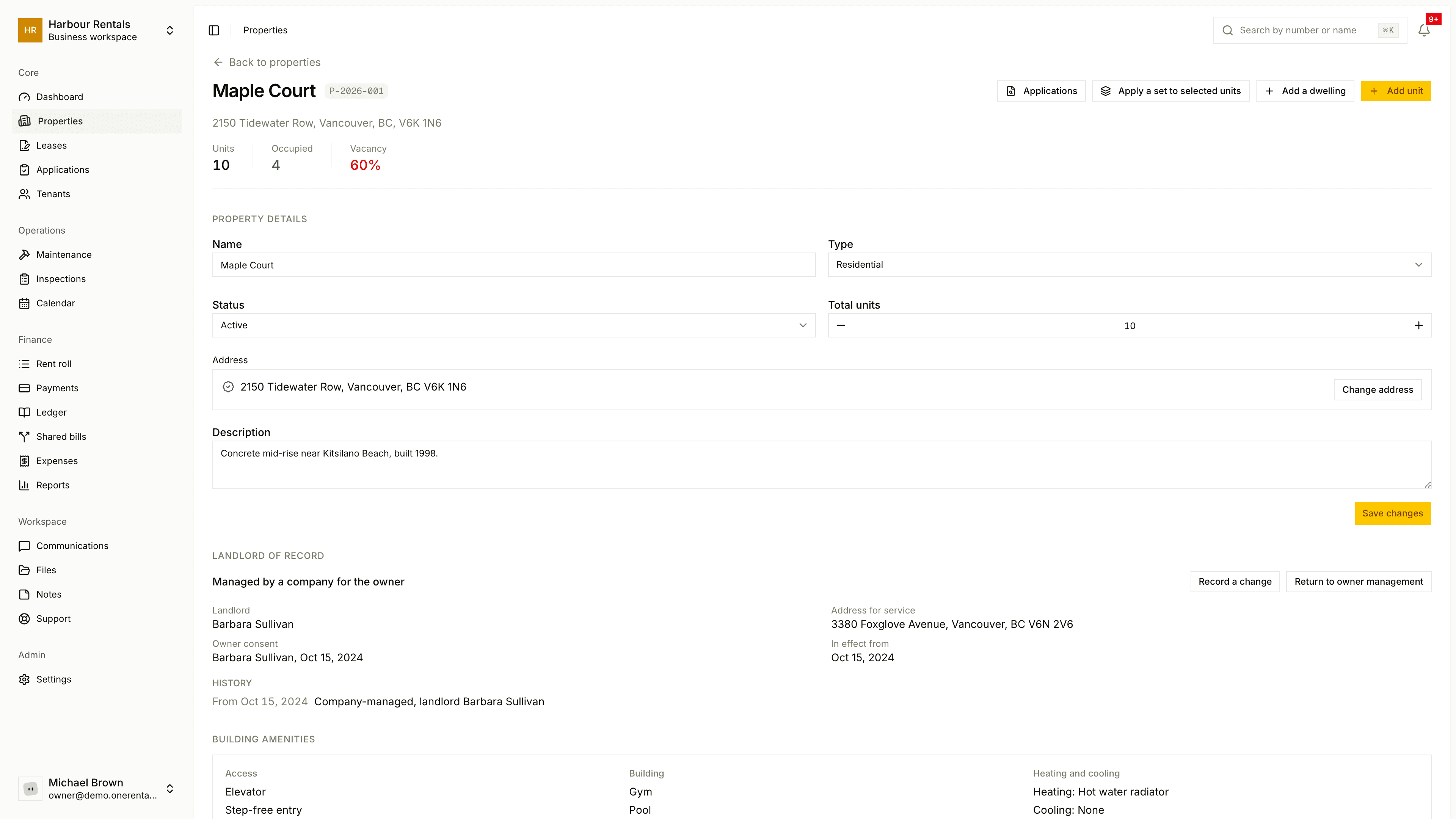
Add a unit
Open the property and click Add Unit.
Enter the unit number (that's the only required field). Add a name, bedrooms, monthly rent, security deposit, floor number and a description if you like.
Fill in the unit facts and amenities, then click Save Unit.
Renting out rooms in a house? See Rooms and shared spaces.
What the statuses mean
| Status | Meaning |
|---|---|
| Available | Free, and not listed yet |
| Rent Ready | Listed for renters |
| Occupied | Has a tenant |
| Maintenance | Out for repairs |
| Unavailable | Not rentable right now |
Edit or delete a unit
Click the edit button on the unit's row to change its details or status. Your changes never touch a lease that's already signed.
You can only delete a unit that has no active or draft lease.
Each row also has a button for copying the unit's amenities to other units (see Copy amenities and apply a set), and shows the unit's number, like U-2026-001, which you can type into search.