Message or email a tenant
Send a tenant an email from OneRental and keep a record of it.
Whether it's a rent reminder or a heads-up that the plumber's coming, write it in OneRental. It's emailed to your tenant and saved with them, so you can always find it again.
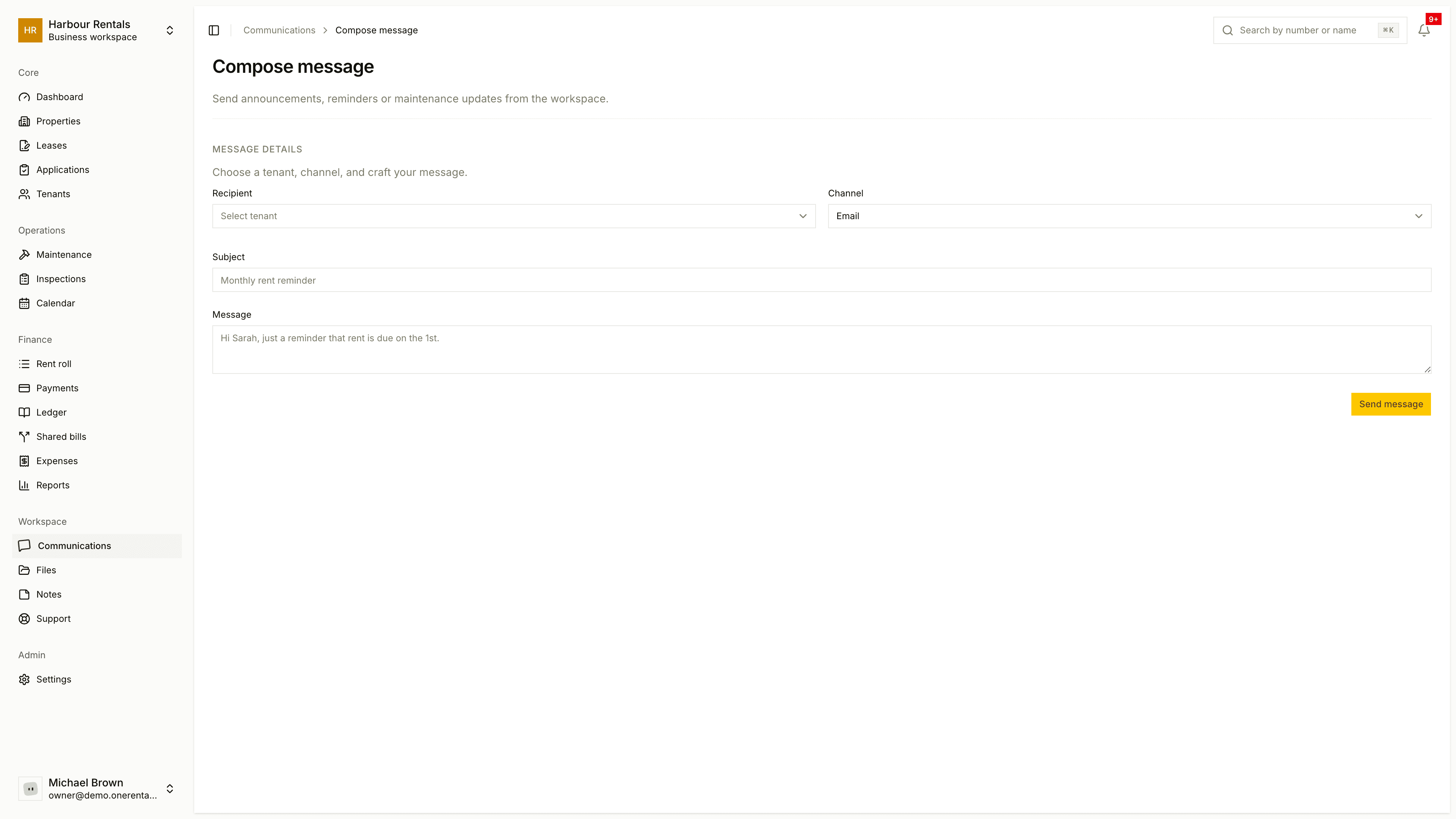
Go to Communications and click Compose.
Choose the Recipient. The Channel is Email.
Enter a Subject and your Message.
Click Send message.
Messages you write yourself go out even when quiet mode is on.
After you send
The message shows up in the Communications list with its recipient, channel, status and the time it was sent. Click it to see the full message, any delivery problems and the reply thread. Tenants with a portal account can reply. See Message threads and replies.
If it didn't arrive, open the message and click Resend. The page tells you if delivery failed and why.
Automatic emails, like rent reminders and status updates, aren't sent from here. You control those in notification settings.