Notes
Keep a written record about tenants, leases, repairs and more.
Jot down the phone call, the promise, the thing you noticed. With notes, you or anyone on your team can pick up where the last person left off.
Add a note
Go to Notes and click Add Note.
Choose the Related record: a tenant, lease, request, inspection or payment. The Category (Tenant, Lease, Maintenance, Inspection or Payment) follows from it, and you can change it if you need to.
Type your Note and save.
Notes are for you and your team. If your tenant needs to see it, send a message from Communications instead.
If you add a note to an inspection after it's been completed or cancelled, it's saved as a follow-up. It doesn't become part of the signed report.
Read your notes
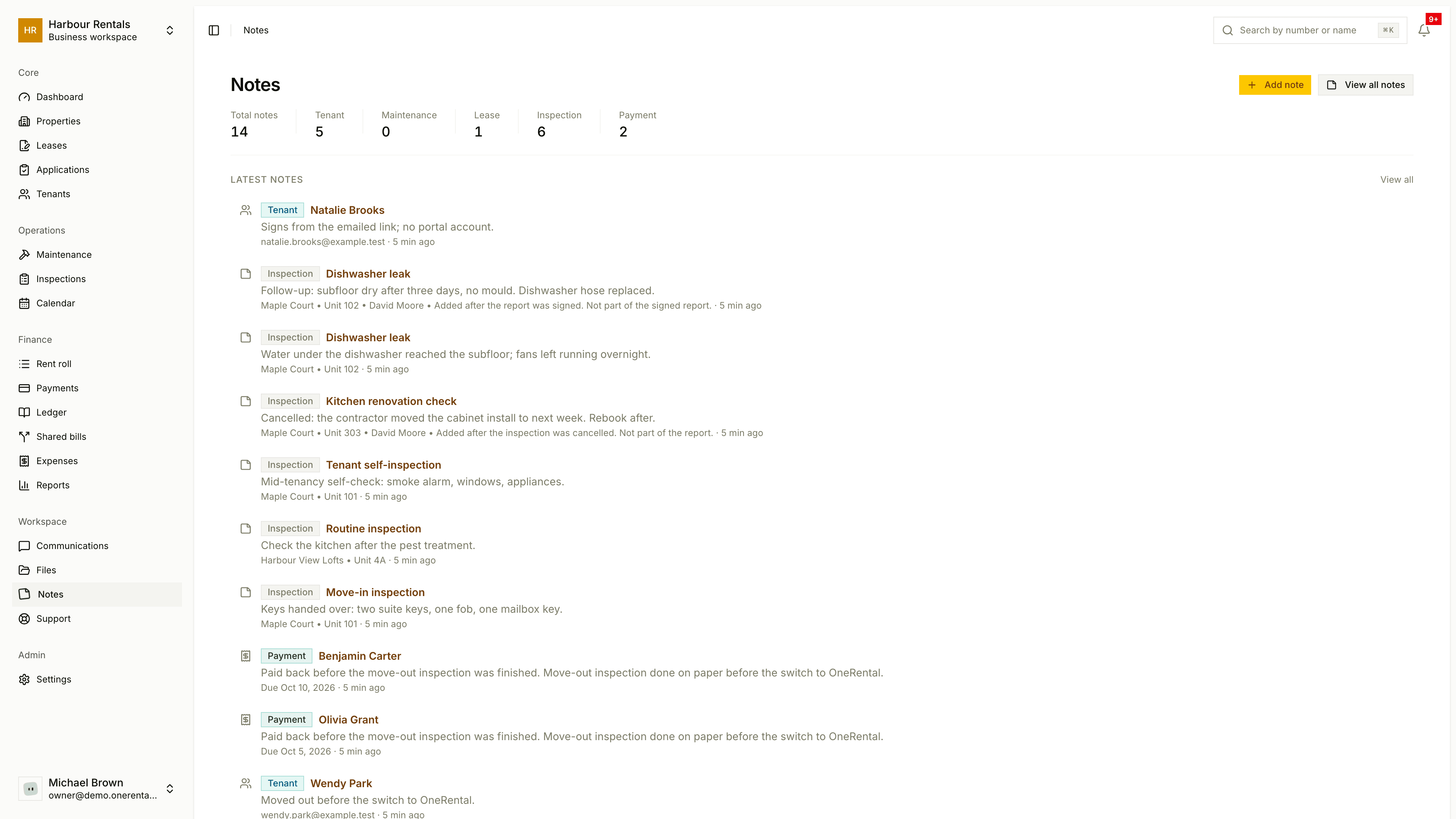
The Notes page shows totals by category and the Latest Notes. Click View All Notes to see everything, or Open on a note to jump to its record.