Message templates
Reuse a message you have already sent, instead of typing it again.
If you find yourself sending the same kind of message again and again, templates give you a head start.
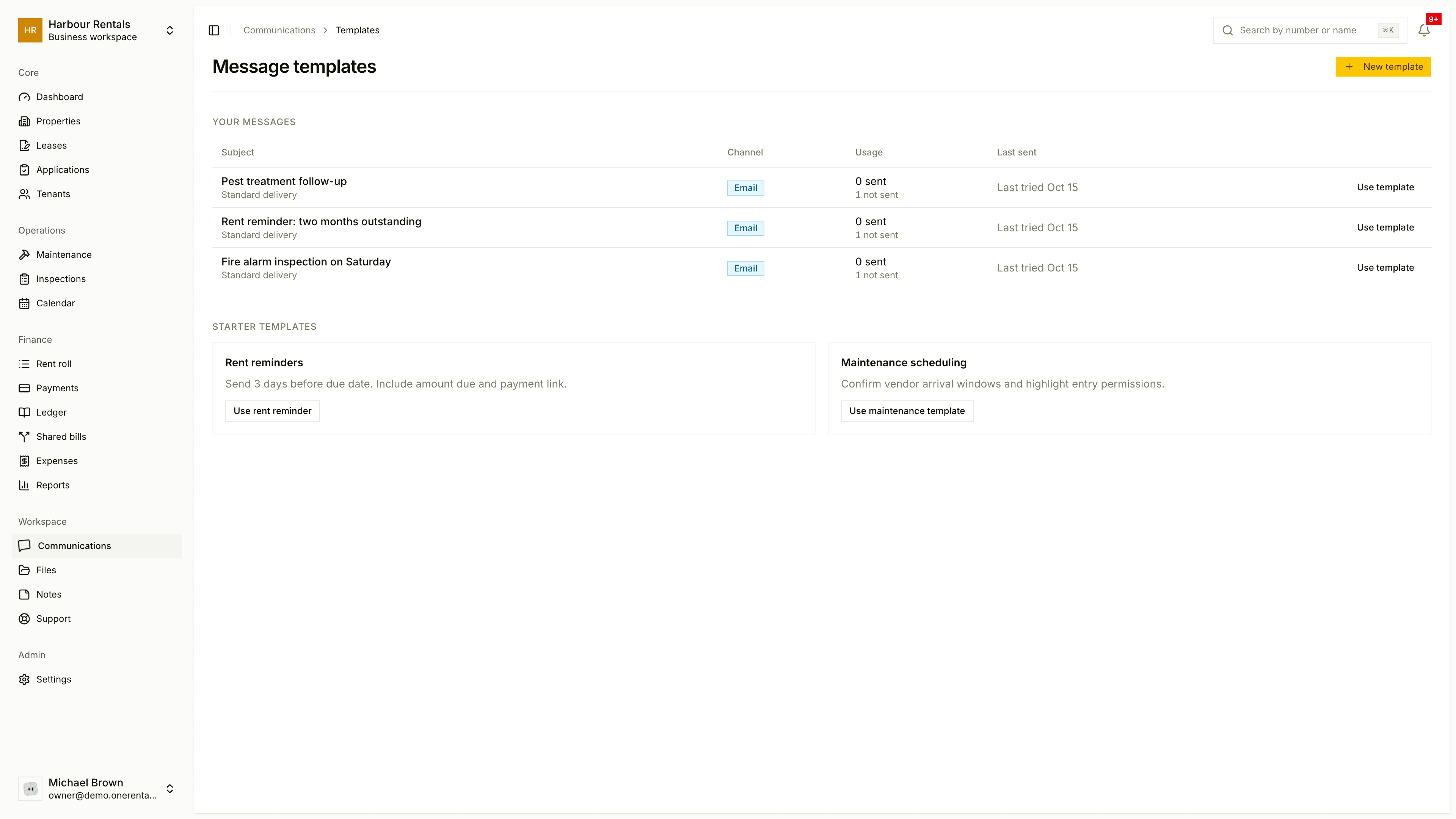
Where they come from
Go to Communications and click Templates. Your messages lists the subjects of messages you wrote in Compose, with the channel, how many times each was sent (Usage) and when it was last sent. Automatic notices, such as payment receipts and signing links, are not listed.
The list builds up by itself from the messages you write, so a new account starts with an empty list.
Use one
Click Use template on a row. The compose page opens with that subject filled in and the same channel picked. Choose a Recipient, adjust the wording and click Send message. See Message or email a tenant.
To start from scratch, New template takes you to the compose page.
Starter templates on the same page opens the compose page with a ready subject for a rent reminder or a maintenance visit.