Working in more than one workspace
Switch between workspaces and create a new one.
If you run a personal portfolio and a company, or manage rentals for different owners, give each its own workspace so nothing gets mixed up.
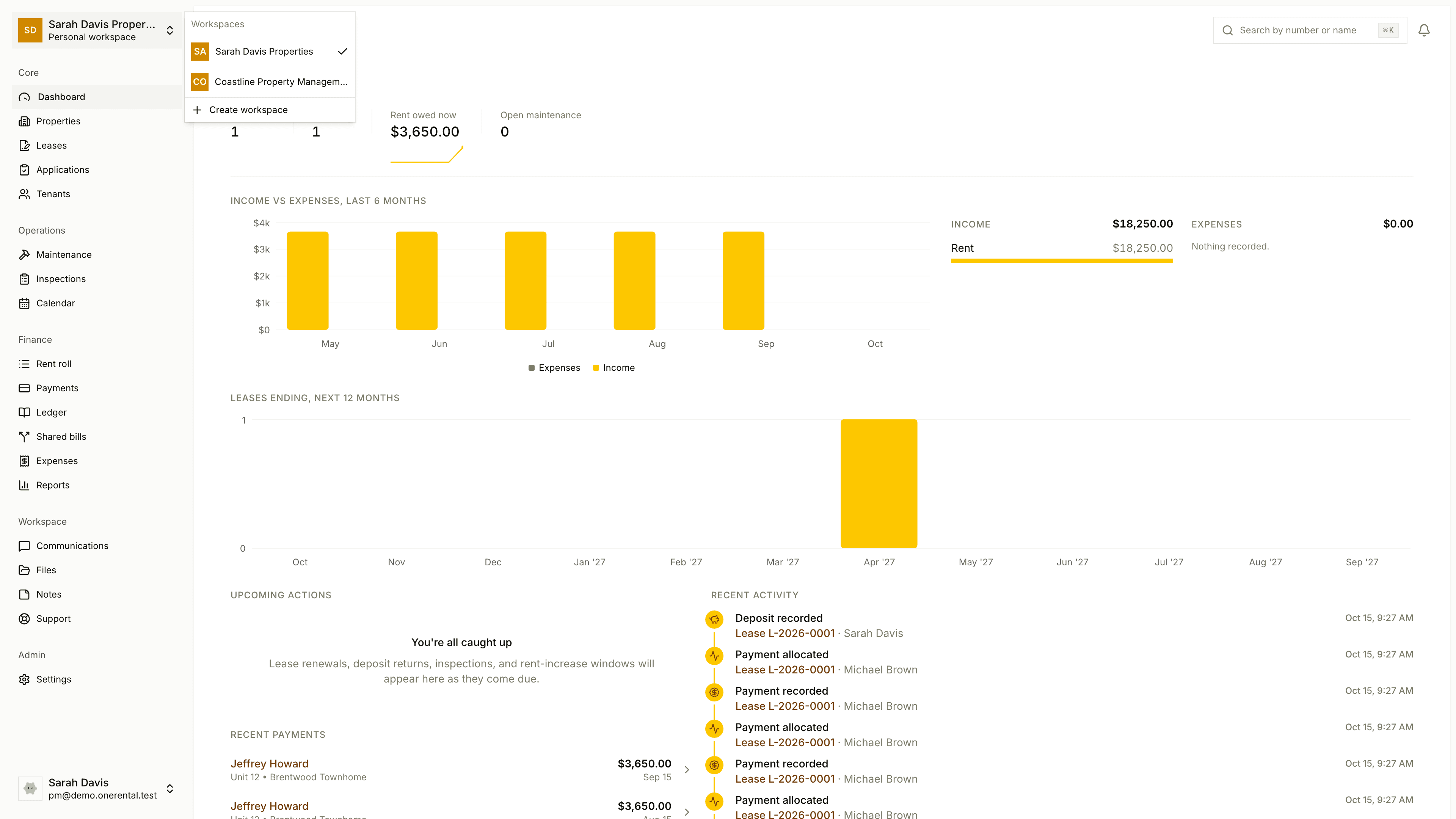
Switch workspaces
At the top of the sidebar, click the name of your current workspace.
Under Workspaces, click the one you want. The check mark shows which one you're in.
Each workspace has its own properties, tenants, leases, payments and team, and they don't overlap. A tenant in one won't show up in another, and search only looks in the workspace you're in.
Create a new workspace
Open the workspace switcher and click Create workspace.
Choose Individual landlord or Property management company.
Give it a name. For a company, you can add its business details too.
Click Create workspace.
An account can own one workspace and join others by invitation. If you've already used yours, or your account can't create one, the page tells you why and how to get in touch.