Tenant screening
Order a credit and background check for an applicant and read the report.
If you'd like a second opinion before you hand over the keys, order a screening report for an applicant and read it right in the app.
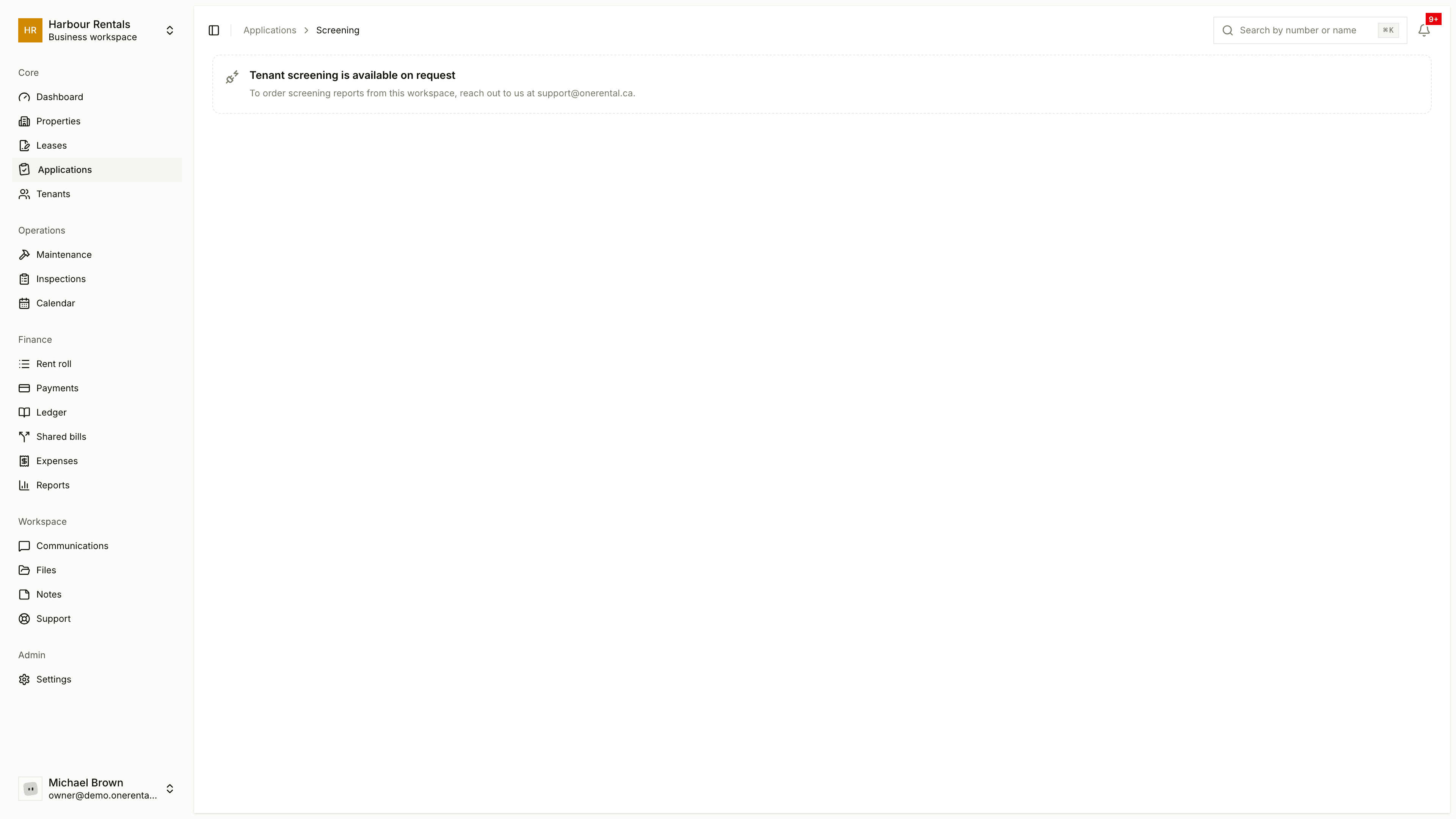
Tenant screening is available on request. Email us at support@onerental.ca and we'll set it up.
Order a screening
Open the application and click Screening.
Each type of check is listed by name. For the ones the applicant agreed to, click Order screening.
The page shows how the order's going. When the report's ready, come back to the same page to read it.
You can only order a check the applicant has agreed to. They give that consent on the full application, if you asked for it (see Request the full application). If they haven't agreed, the page says so and there's no button. If a screening's already been ordered, you'll see its status instead.
Read the report
The report pulls the findings together in one place: credit score, whether the rent looks affordable on their income, identity checks and background findings, along with the applicant's details and a download button.
These reports are sensitive. Open them only when you need to, and keep them out of emails and chats. If a report helped you decide to decline someone, tick the box on the decline form that says so.